Welp I've done it, I installed linux on my laptop. Honestly I did it because I was bored but it was quite fun. I have two drives so I installed linux onto my old 512gb one, since I'm dual booting and I kept most of my games on windows. I originally thought about arch so i could 'i use arch btw' but went with nobara since it comes bundled with drivers. GPU support is still pretty ass for me but thats mostly nvidia's fault (plus I've got an iGPU too and that causes issues sometimes). I actually installed it a few weeks ago but just kept forgetting to make a blog post lol. Took some time to learn how stuff works on here, but I do prefer it to windows. I have so many tweaks on windows and have it update locked from like a year ago (so it's safe from most of the slop updates), but linux is just so much easier to customize. I installed all the apps and alternatives for stuff I use, and started fiddling about.
Kind of a big first project but I edited the grub menu, so when I start up my laptop I get a cool windows 7 looking boot menu. Forked from some Aero grub menu I found on github. I made it 1920x1080 and fixed some stuff, honestly I can't remember what was wrong but it took a few hours.
I have this one windhawk plugin on windows that makes the taskbar change volume when scrolled on so I remade that. Based it on this, but it wasnt working so I had to remake the taskbar behavior and config to let it work. Big shoutout to rikimaru, saved me a bunch of failed attempts to make it lol.
Also, my laptop has no fn-lock, so on windows I had this really roundabout method with like 3 different scripts and programs to remap the stupid copilot key to toggle fn key behavior (most of them at least). On linux I remade that using keyd and a keybind. Couldn't get the copilot key to work but my laptop also has another useless button just above the numpad called the omen key, literally just opens HP's stupid game launcher. That was one of the first things I uninstalled on windows and it does nothing on linux so thats my fn-lock. I can't control keyboard backlight (f4) since that's fully handled by the bios, there's no exposed stuff to mess with. Also f11 is my touchpad toggle (handled by nobara) but for some reason I couldn't get it working so I left it. I rarely press that anyways.
Speaking of function keys, my mute key (f5) has a little orange light on it to show the toggle state. It didn't work! I found some forum posts talking about it but no solution, so I did it myself. I didn't fully understand what I was doing but it was literally just one line insert and it worked perfect. That gave me the perfect opportunity to make my first command line git commit. I was lowkey nervous sending that in, and I even fucked up the placement (should've been farther down in the file). I made a v2 commit but Takashi (the repo maintainer for the linux sound systems) responded to the first one. Hopefully the 2nd gets applied but it works with either one. Kinda proud about it actually. My single line of code helps at max 100 people with my exact laptop on linux, and they also have to care enough about the mute LED. So helpful to the world. I will be signing autographs and taking pics with fans later. I also accept paypal.
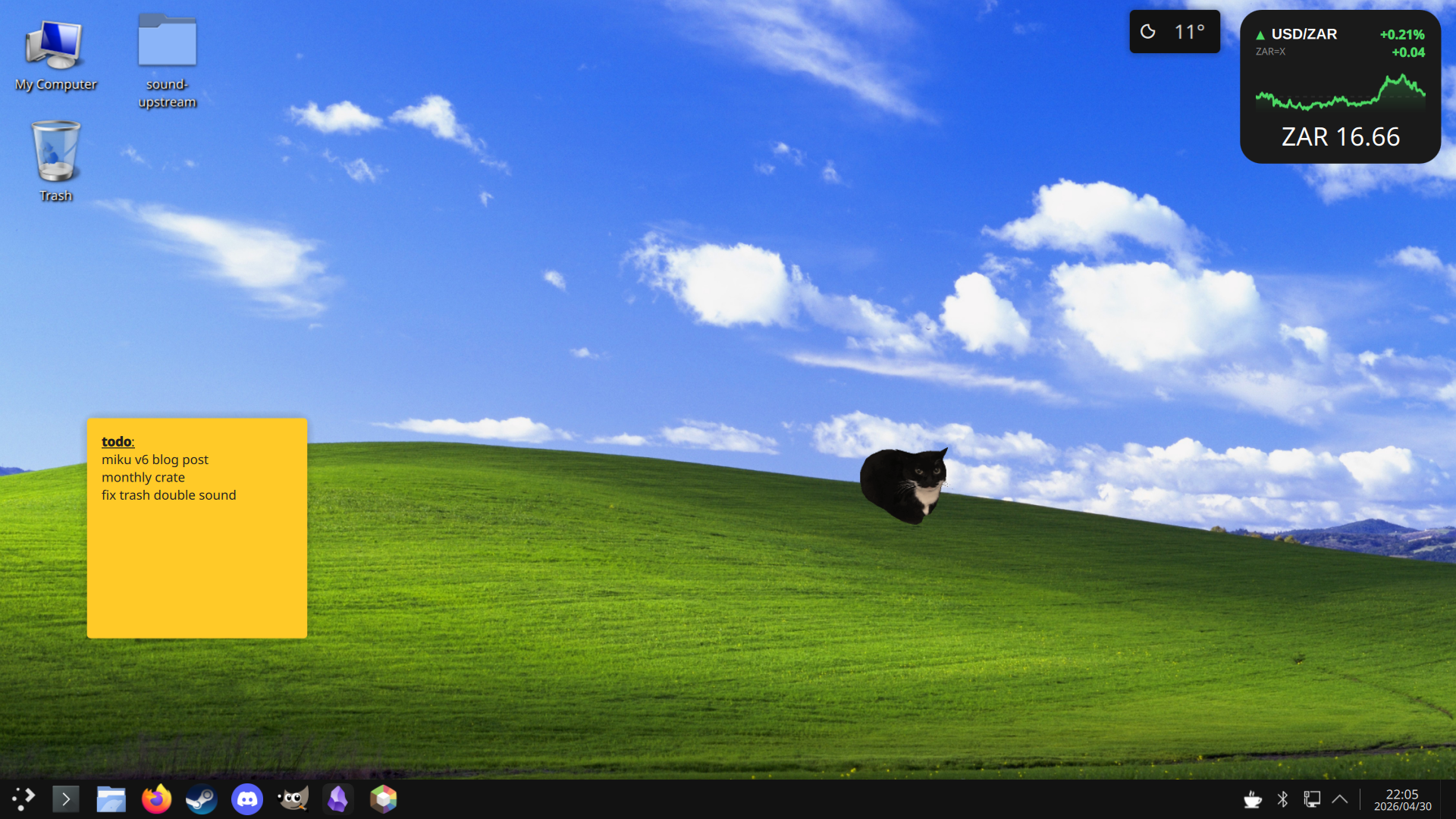
I still default to windows because it's just easier. It does everything I want and all my games work on there. I force myself to use linux tho because otherwise it just sits there gathering digital dust.